College and Training Centre Websites in Malaysia: What Students and Parents Check First
Course pages, intakes, fees and recognition: what students and parents look for, with a real college website rebuild.
An education website has two visitors who want very different things.
The student wants to know if the course is interesting, what the campus or classes look like, and when they can start. The parent, who is often the one paying, wants to know if the course is recognised, how much it costs and whether the college is safe and real.
Most college and training centre websites are written for neither. They are written for the management: long messages from the founder, awards, vision and mission. Meanwhile the intake date is hidden in a PDF.
How students and parents decide
The order changes a little between a university college and a short-course training centre, but it usually looks like this:
- Find the course
- Entry requirements
- Intake and fees
- Is it recognised?
- Apply or ask
For corporate training, the "student" is often an HR manager, so add one more question: can the training be run in-house for our staff?
What every course page should answer
If I could fix only one thing on an education website, it would be the course pages. A good one answers, on one page:
- Who the course is for, in one or two sentences
- Entry requirements
- Duration and study mode (full time, part time, online, weekend)
- Next intake dates or workshop dates
- Fees, or at least how fees work and where to ask
- Recognition or accreditation, if the programme has it
- What the student can do after finishing
- One clear next step: apply, download the brochure, or WhatsApp an advisor
Parents will check recognition. For higher education programmes in Malaysia, the Malaysian Qualifications Agency keeps a public register of accredited programmes, the Malaysian Qualifications Register (MQR). If your programme is listed, say so on the course page and make it easy to check. If it is not, don't write anything that suggests it is.
A college website I rebuilt: UniCAM
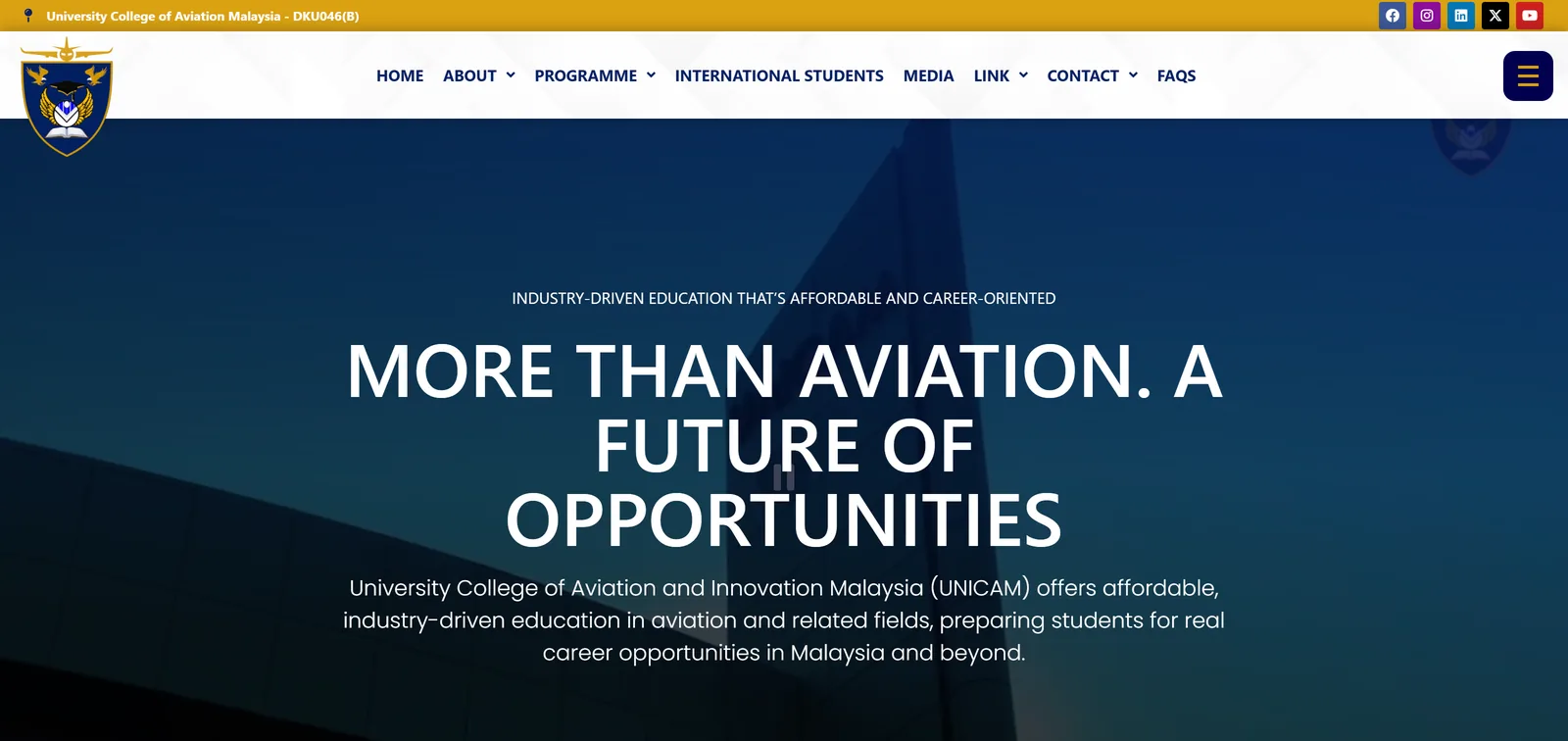
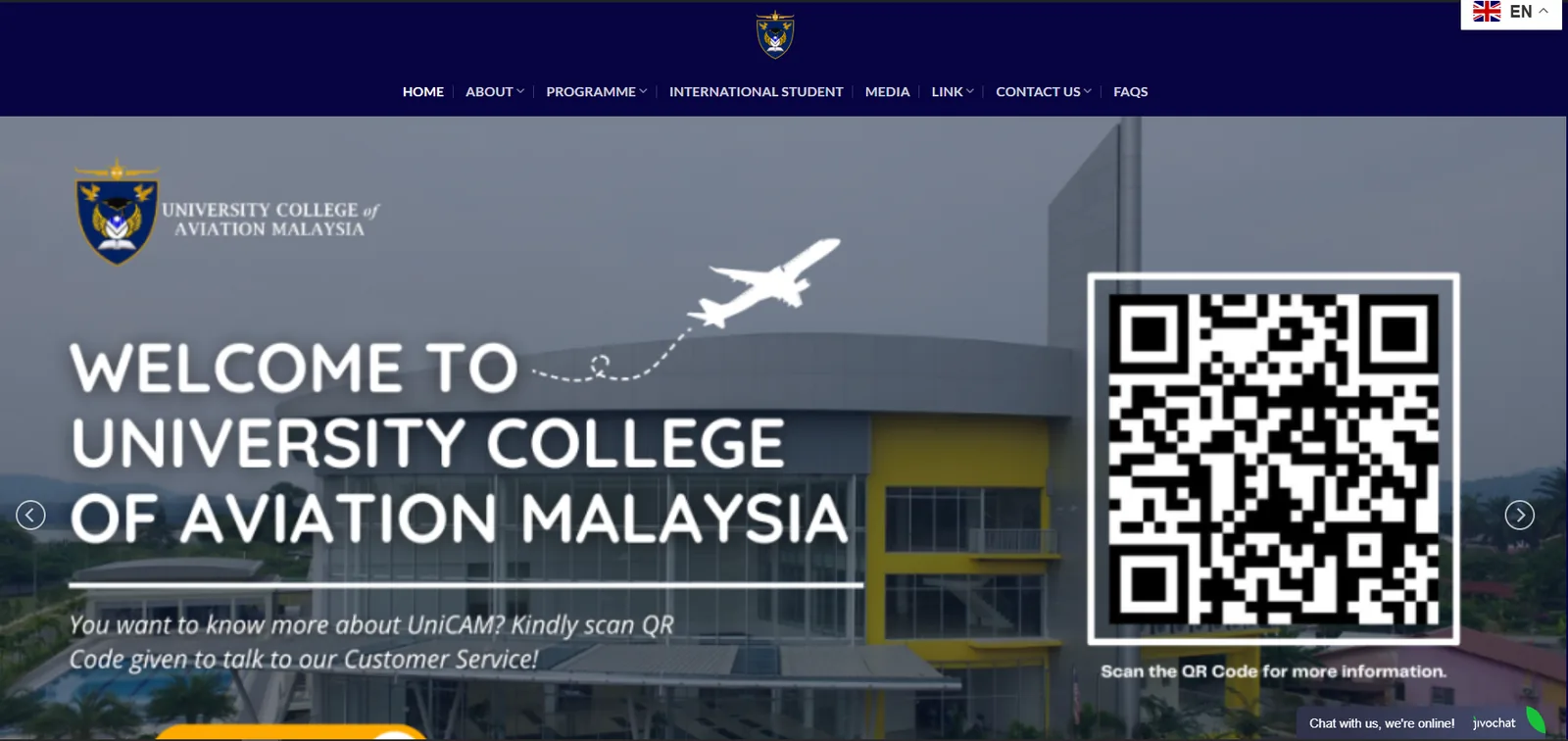
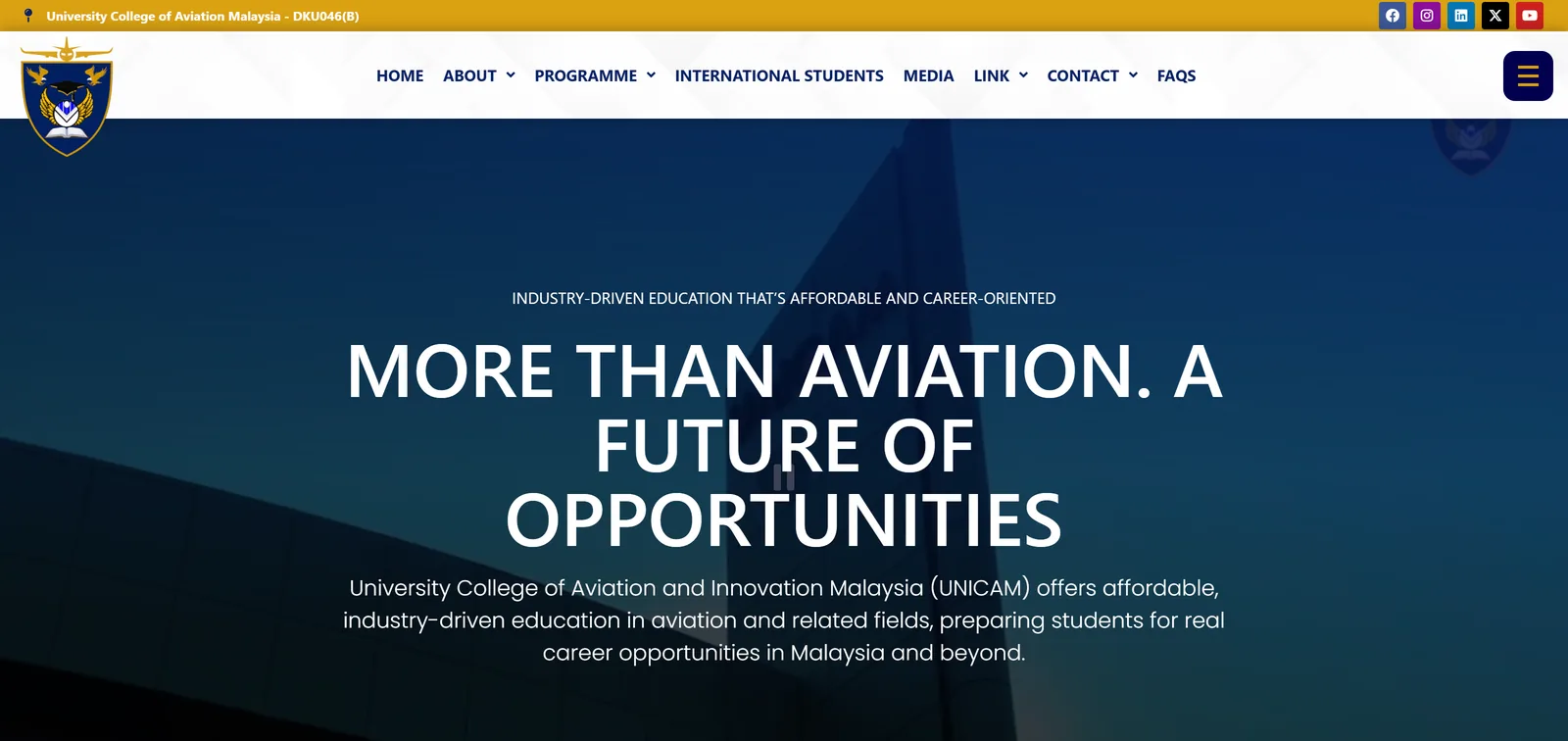
UniCAM is an aviation university college. Their website is a good example of how an education site gets heavier every year until it starts working against the team.
What happened
- The situation
- Their WordPress website was slow, had been hacked, and was running around 70 plugins. I first helped repair the malware problem, then found how complicated the whole setup had become.
- What I changed
- I rebuilt the website with around 11 plugins and coded the rest more cleanly. It is faster, easier to manage and much safer to maintain.
- Why it mattered
- They run more than 200 active online forms for student enquiries and upcoming workshops. With the new backend, the team can manage those forms much more easily.
The business lesson here is not about plugins. Education websites collect a lot of personal information through forms, and they change every intake. If the site is slow, fragile or hard to update, the team stops updating it, and old intake dates stay online.
Training companies need more pages, not fewer
Asia Bigwave, a corporate training company, is another example. They understood SEO, but assumed a bigger website with around 20 pages would be expensive, so the old site stayed online much longer than it should have. Once they saw the pricing was reasonable, we rebuilt it with a better mobile experience, a proper SEO structure, and enough pages for what people actually search for.

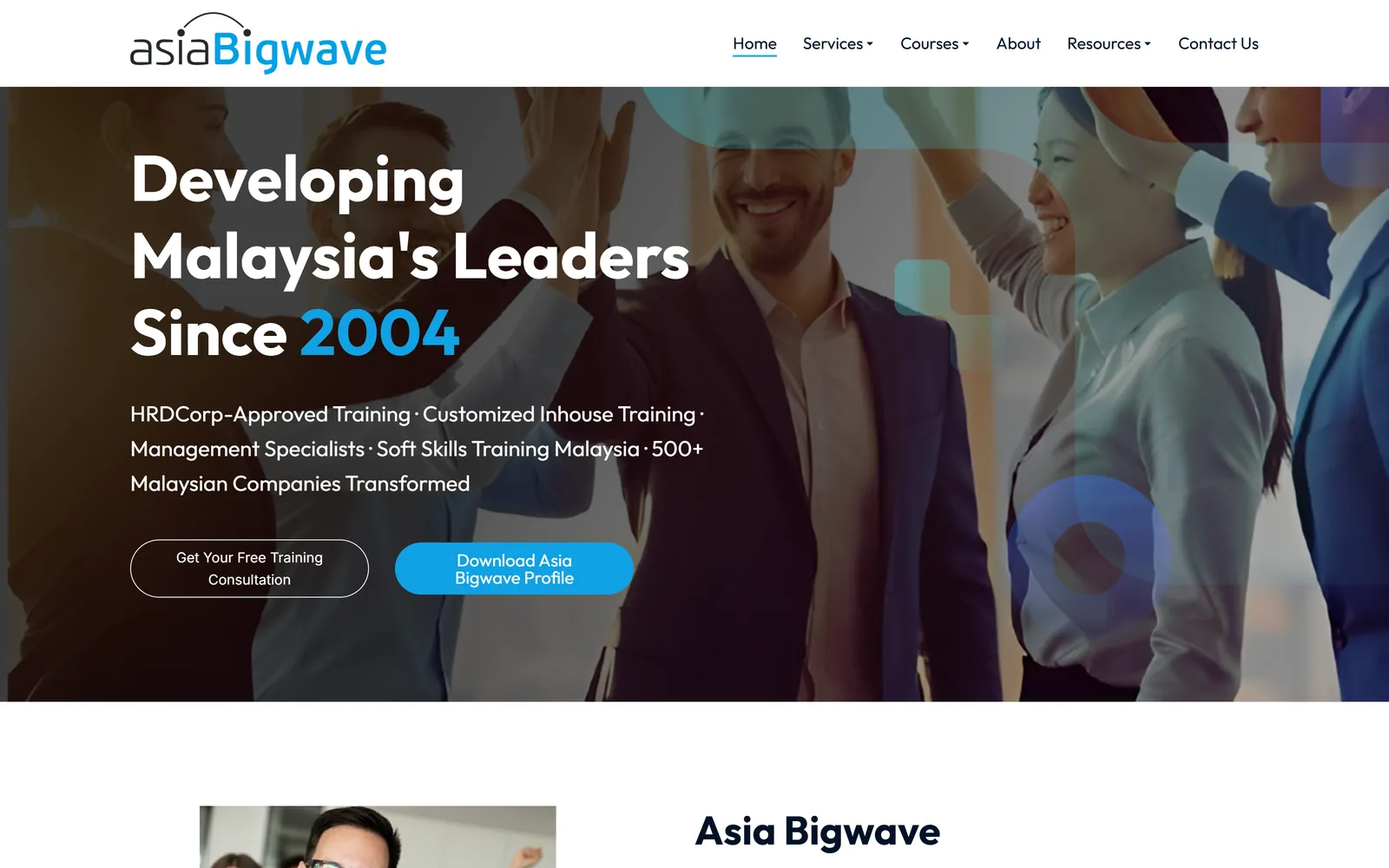
For a training provider, each programme is a separate search. "Leadership training Malaysia" and "Excel course for staff" are different people with different needs. One page listing 30 programme names cannot rank for all of them, and it does not help the HR manager decide.
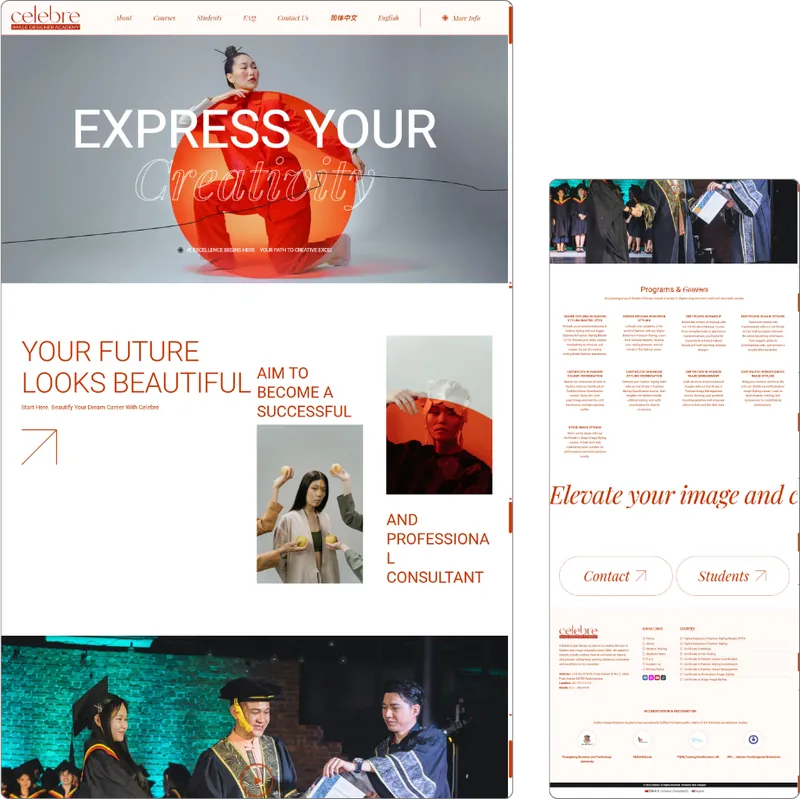
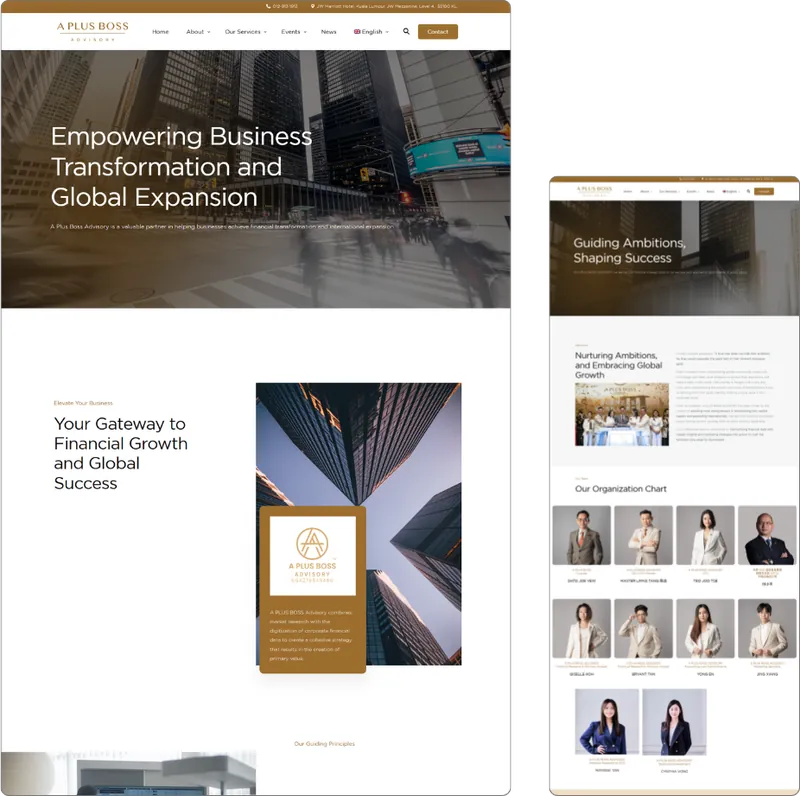
Two more education websites from my portfolio.
Where Google Ads fits
Education searches are seasonal. Interest usually climbs before each intake, and that is when ads make the most sense.
- Advertise the specific programme, not the college name alone. "Diploma in aviation Malaysia" is a person close to choosing.
- Send the ad to that programme's page, with the intake date visible.
- Exclude searches that will never become students, for example "salary", "jobs", "free PDF" or "past year questions" (about negative keywords).
- Track enquiries, then ask the admissions team which ones actually enrolled. Cheap leads that never enrol are not cheap.
Mistakes I see on education websites
- Intake dates from last year still on the homepage.
- Course details only inside a downloadable brochure.
- No fee information at all, not even "from" or "how fees work".
- Stock photos of foreign campuses instead of your real classrooms and students (with their permission).
- An enquiry form with 15 fields, when a parent just wants to ask one question on WhatsApp.
The parent is paying. Make sure the website answers the parent's questions too.
Where I would start
List your programmes and rank them by importance. Build one proper page for each of the top ones, with the questions above answered. Then make sure the people in your office can change intake dates and fees themselves, without calling anyone.
If your current site feels slow or messy, these signs your website needs a revamp are worth a quick read. You can also see how I approach website revamps.
References
Running a college or training centre?
Send me your course page. I’ll tell you what a parent might be missing on it.
Ask LucianWhat I can help with
- Business Website Design
- Website Redesign / Revamp
- Custom Software & Web Applications
- Google Ads Management
- AI Consulting & AI Solutions
- Domain & Web Hosting
No hard sell. If you need help, just ask.

Written by
Lucian Yong
Freelance web designer and digital business specialist in Malaysia with experience designing 582 websites across different industries.