Revamping Your Website? Don’t Let Google Forget Who You Are
How to redesign without losing the Google visibility your old website built up, explained without the jargon.
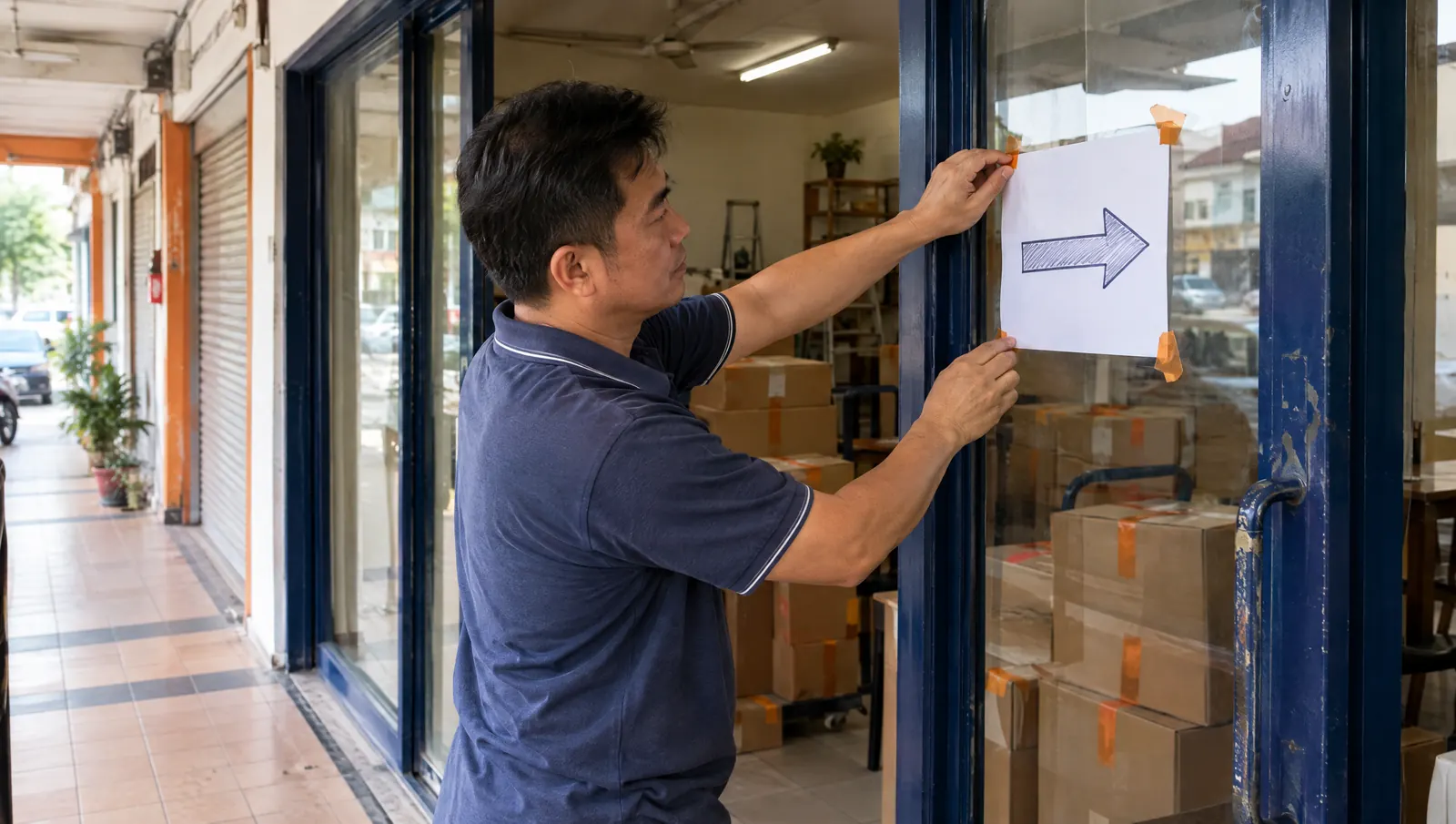
Imagine you've run a shop in the same row for ten years. Regular customers know where you are. Delivery guys know. Your address is printed on every invoice. Then you move to a beautiful new unit across town, and you don't tell anybody.
The new shop is nicer. But nobody can find it.
That's what a careless website revamp does with Google. Your old website has spent years building up its “address”. A redesign that ignores this can make Google forget who you are.
A prettier website is not worth losing useful Google visibility.
Why a revamp can hurt your Google ranking
Google doesn't rank “your website” as one thing. It ranks individual pages. Each page has its own address (URL), its own title, its own content and its own history of links from other websites.
During a revamp, it's very common to:
- Change page addresses because the new structure “looks cleaner”.
- Delete old pages that seemed unimportant.
- Rewrite or shorten content that was actually ranking.
- Forget to tell Google that things have moved.
When that happens, Google visits the old addresses and finds nothing. Customers clicking old links land on an error page. Visibility built over years can drop.
Step 1: List what you already have
Before designing anything, make a list of every page on the current website. Your sitemap and Google Search Console help with this. Search Console also shows which pages actually get impressions and clicks from Google.
Those pages are your valuable stock. Treat them carefully.
Step 2: Keep page addresses where you can
The safest URL change is no change. If an old page address already has value, keep it on the new website if possible. I don't blindly change URLs just because a new structure looks neater.
Step 3: Redirect what has to move (301 redirects)
Sometimes addresses must change. That's fine, as long as you leave a forwarding note. A 301 redirect is exactly that. It tells browsers and Google: “This page has moved permanently. Go here instead.”
A few simple rules:
- Redirect each old page to the most similar new page, not everything to the home page.
- If a page is removed, point it to the closest related page.
- Avoid chains, where page A goes to B which goes to C. Point A straight to C.
- Test the redirects after launch. Click the old links yourself.
When I revamped Nick Curtain's website, proper 301 redirects were a key part of the job. The layout they liked stayed. What changed was ownership, maintenance and cost, and the redirects made sure Google could follow along.
Step 4: Don't throw away content that works
A new design is a good time to improve your wording. But if a page has been ranking for years, be careful when cutting it down. Keep the useful information, the topics it covers and the phrases customers search for. Improve it. Don't empty it.
Step 5: Carry over page titles and headings
Each page's title and main heading tell Google what the page is about. Check them before and after. If the old “Aircond Servicing Puchong” page becomes a new page simply titled “Services”, Google has less to work with.
Step 6: Fix internal links
Links inside your own website (menu, buttons, links within text) should point straight to the new addresses, not through redirects. It's tidier for Google and faster for visitors.
Step 7: Think about links from other websites
Directories, partners, news articles and suppliers may link to your old pages. Those links help your ranking. If the old pages disappear without redirects, that help disappears too. Redirects keep them useful.
Step 8: Submit the new sitemap and watch Search Console
After launch, submit the new sitemap in Google Search Console. Then keep an eye on it for the next few weeks. Look for pages Google can't find, sudden drops in impressions, and errors. Small problems are easy to fix when caught early.
This only works if you have access to your Search Console. If you don't know who controls it, read who actually owns your website.
A quick checklist before your revamp goes live
- List of all old pages, with the important ones marked.
- Old addresses kept where possible.
- Every moved or removed page redirected with a 301 to the closest match.
- Useful content and page titles carried over or improved.
- Internal links updated to the new addresses.
- Google Analytics and Search Console still connected.
- New sitemap ready to submit.
- Old links tested after launch.
What to ask your designer
Before you agree to a revamp, ask: “How will you protect my current Google visibility?” A good designer will mention existing URLs, 301 redirects, page titles, content and Search Console without you prompting. If the answer is only about the new look, be careful.
Still deciding if you need a revamp at all? Read 10 signs your website may need a revamp. And for how I handle SEO safety on every project, see my website redesign service.
Planning a revamp?
Send me your current website before anything moves. I'll tell you what should stay, what should go and what needs a redirect.
Talk To LucianWhat I can help with
- Business Website Design
- Website Redesign / Revamp
- Custom Software & Web Applications
- Google Ads Management
- AI Consulting & AI Solutions
- Domain & Web Hosting
No hard sell. If you need help, just ask.

Written by
Lucian Yong
Freelance web designer and digital business specialist in Malaysia with experience designing 582 websites across different industries.